Know what's next in every series, never miss a premiere, finish the franchises you started, and share
it all with your friends. Free, without ads, and private by design.
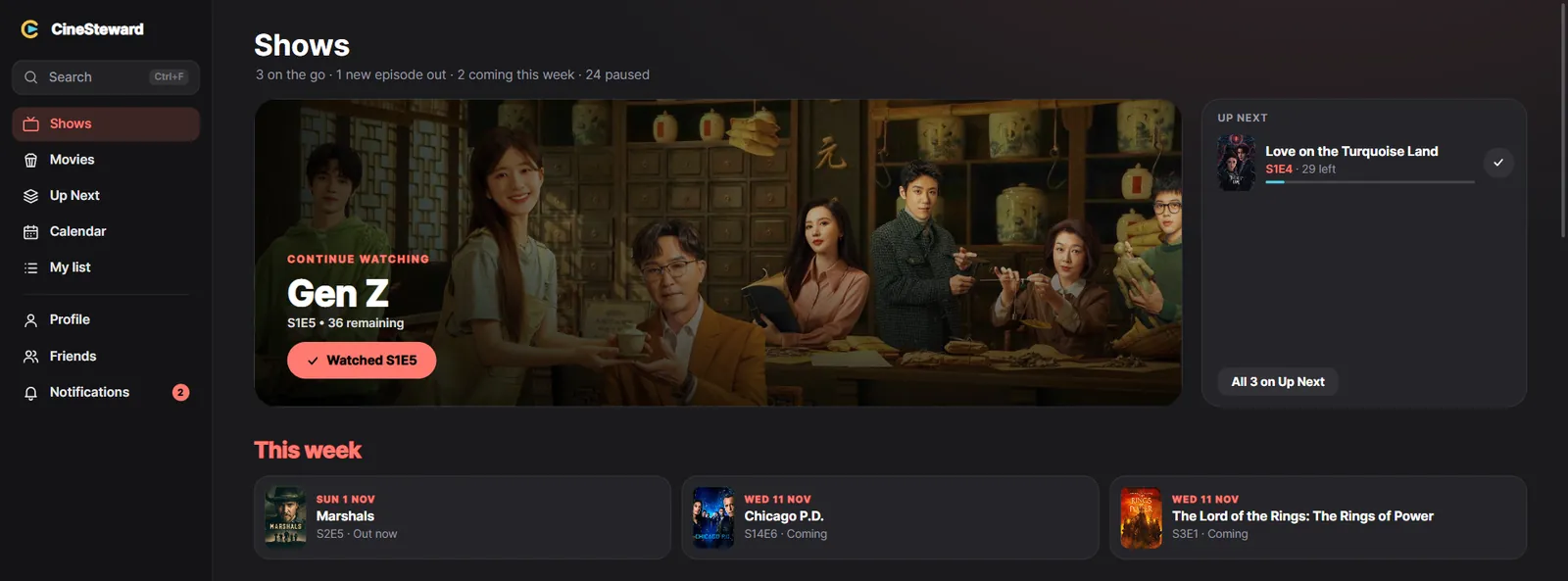
Tick an episode, and CineSteward knows the rest: what's next, how far you are, what's coming, and what your
friends think of it.
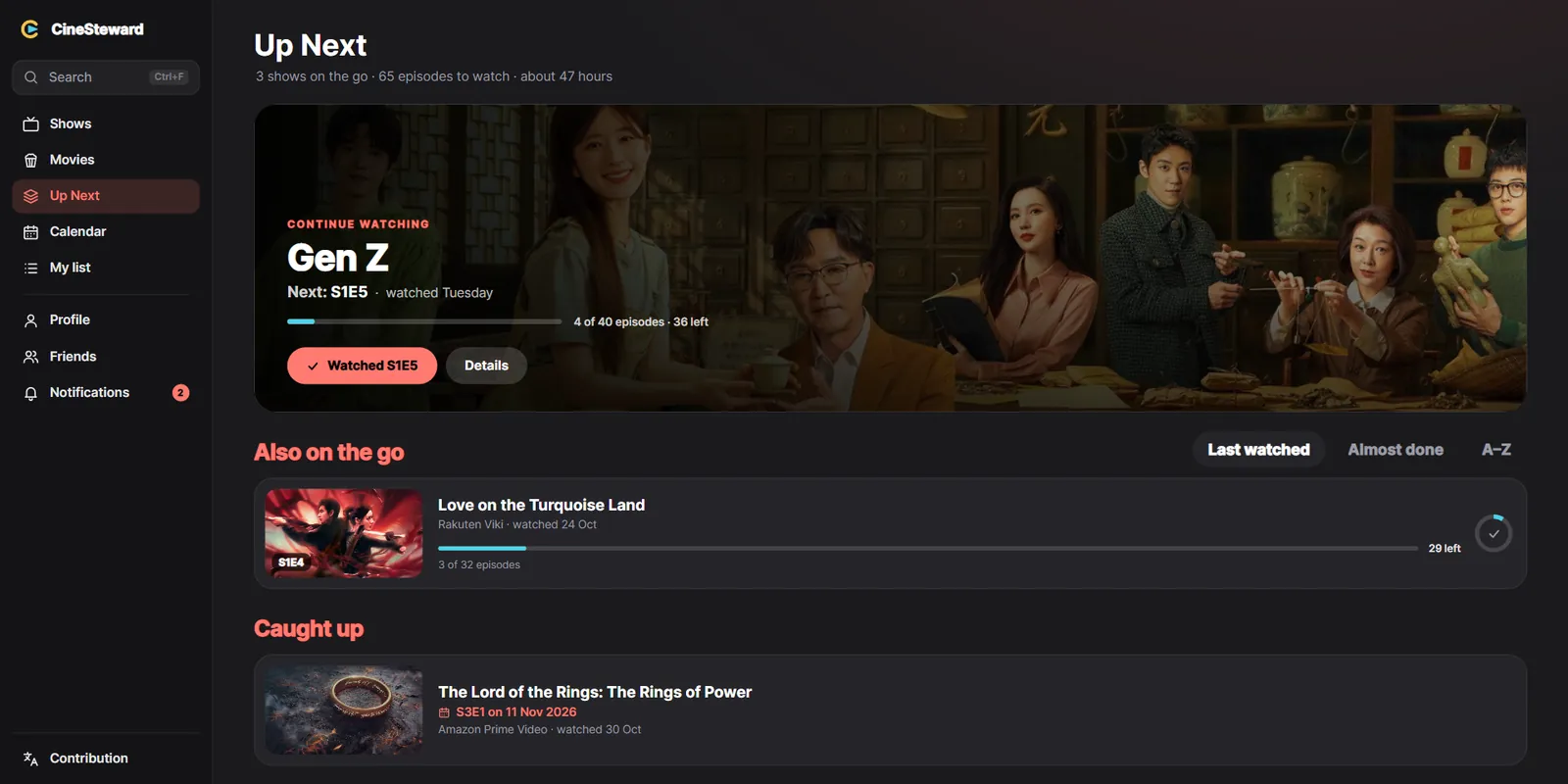
Up Next
Always know what's next
Every show you're watching, with the next episode ready. One click marks it watched, and the next one is
there.
Pick up where you left off, sorted by what you watched last or what's nearly done
Shows you've caught up on wait for their next episode, with its date
Say when you watched something, also long ago, and your stats follow
Every title
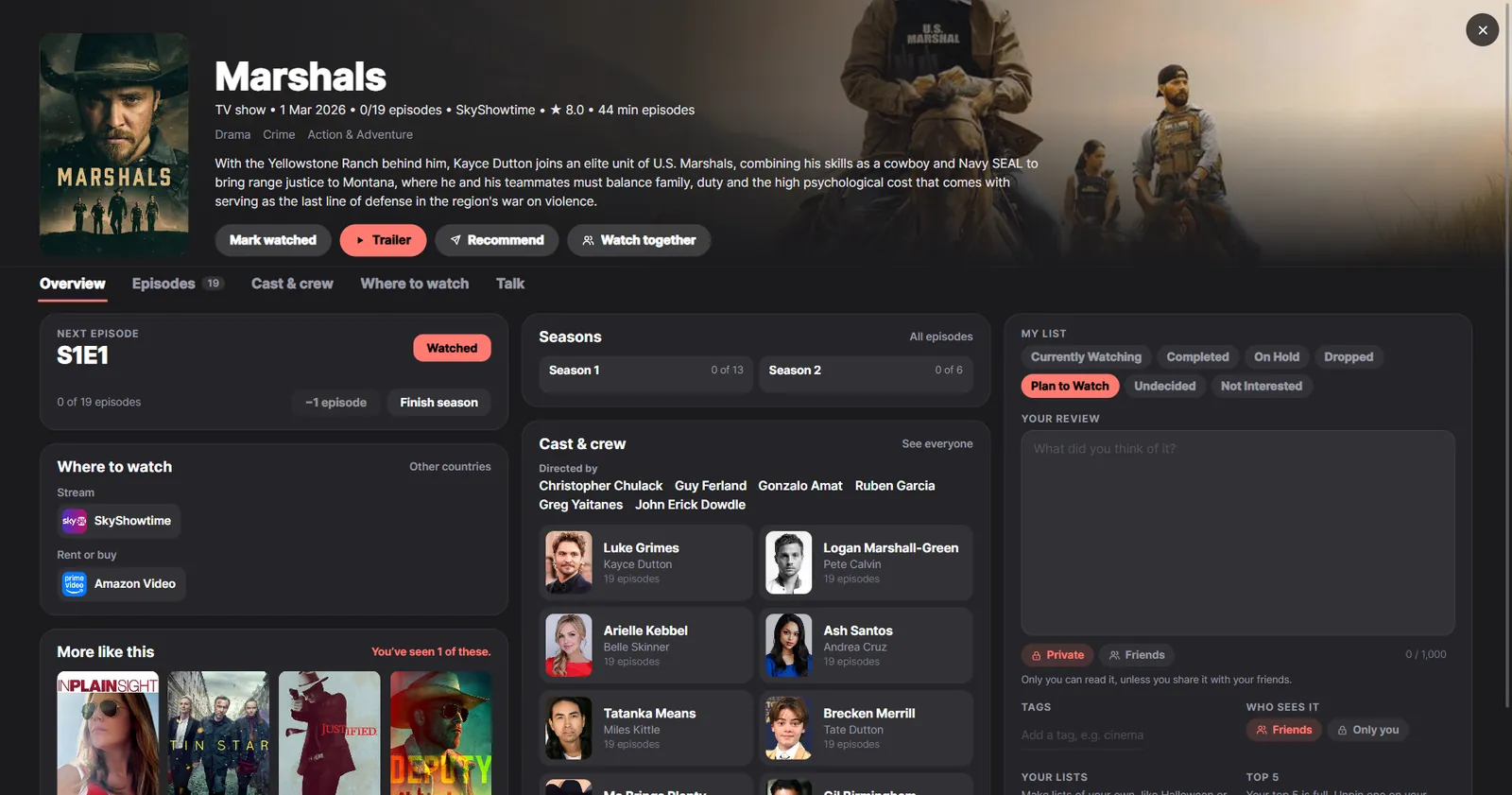
Everything about it, in one page
What it's about, where to watch it in your country, its cast and crew, the trailer, and what's like it. Your
rating, review, tags and lists sit right beside it.
Where to stream, rent or buy it, also in other countries
Ratings out of 10, and reviews only you see or that friends see too
Recommend it to a friend, or watch it together
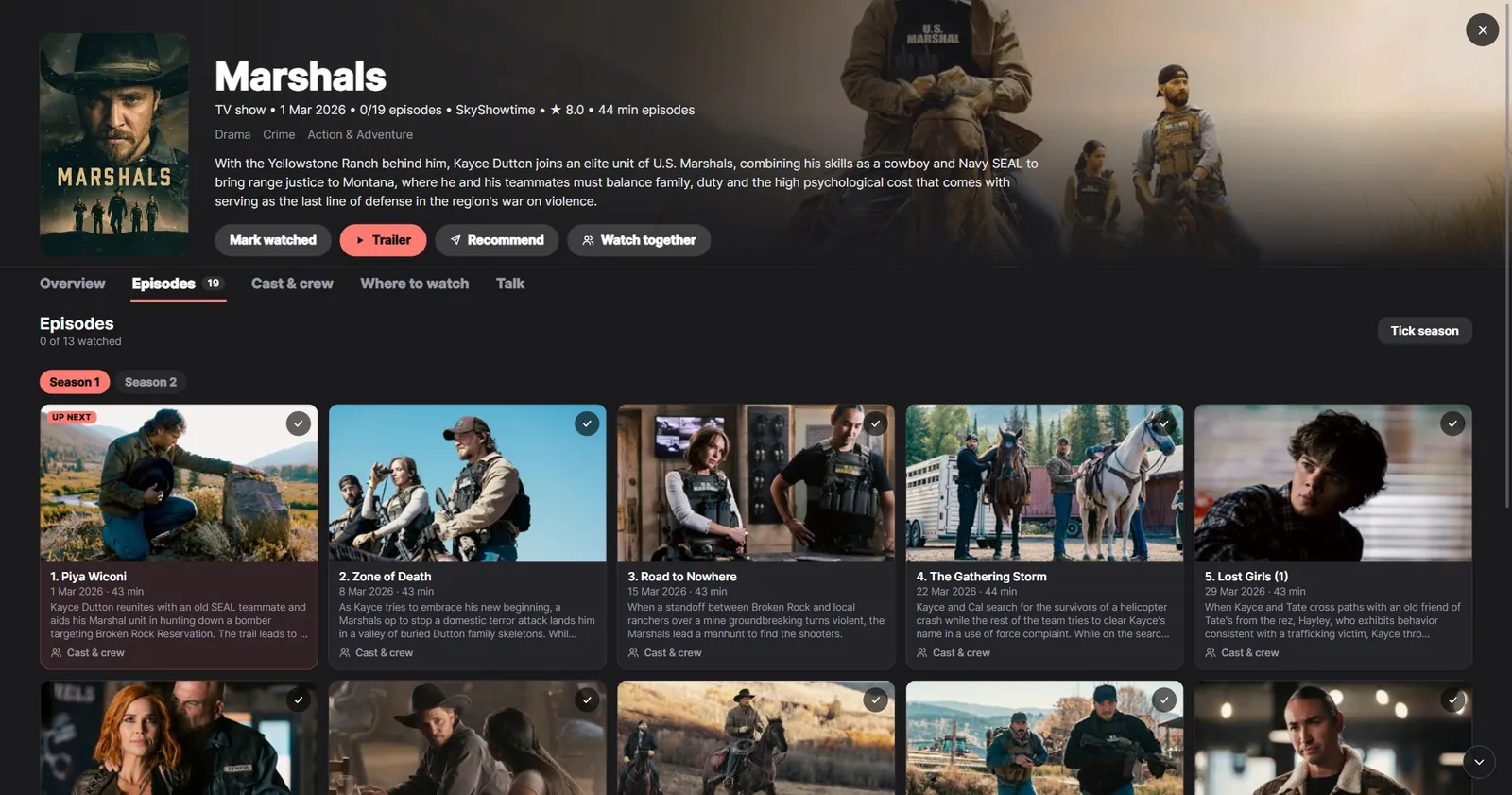
Episodes
Every season, every episode
See each episode with its picture and what happens, tick one or a whole season at once, and CineSteward asks
whether you saw the ones before it too.
Rate single episodes, and find your best and weakest
Specials kept apart, so they don't spoil your count
Talk about an episode with the friends you watch with, once they've seen it
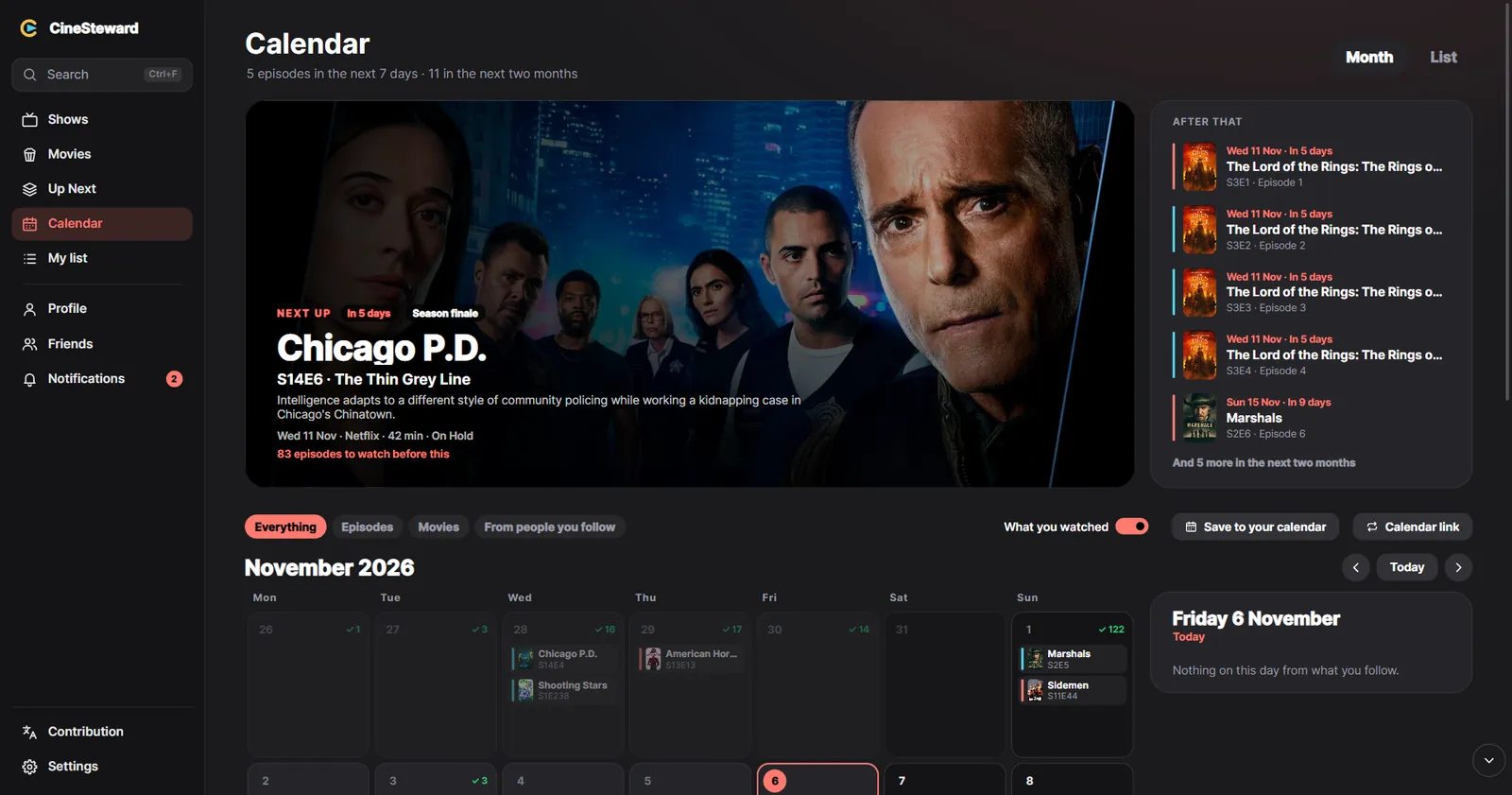
Calendar
Never miss a premiere
New episodes, season premieres and finales, and films from the people you follow, by day or as a list, with
how many episodes you still have to watch before each one.
See what you watched on each day, too
Put it in Google Calendar, Outlook or Apple's calendar with a link that keeps itself up to date
A notification when a new episode is out, or a show comes to your streaming service
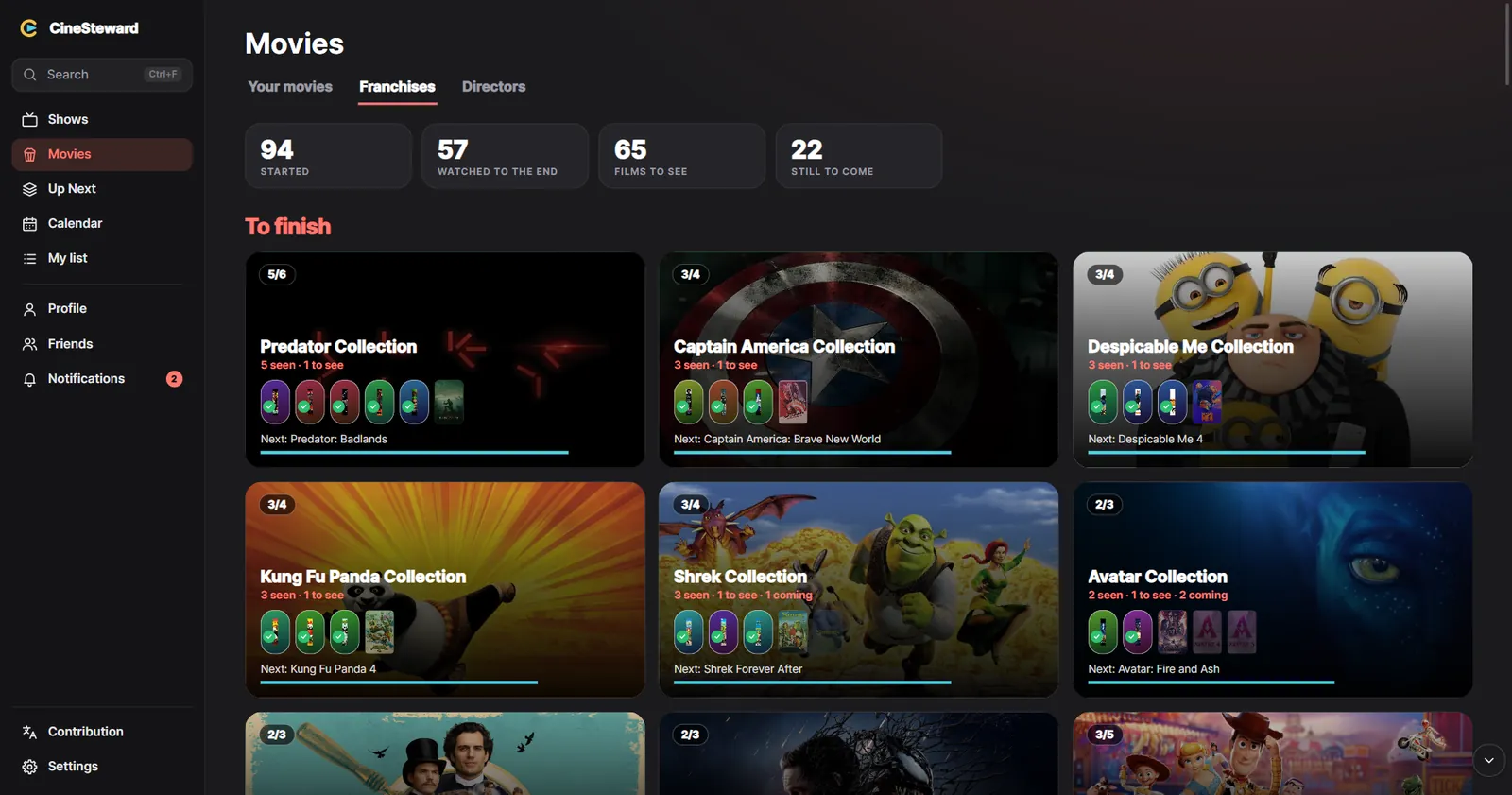
Franchises
Finish what you started
Every film series you've begun, how far you are, and which film is next. The directors you watch most get a
page of their own.
What's still to come in each one, with its release date
Follow actors and directors, and hear when they have something new
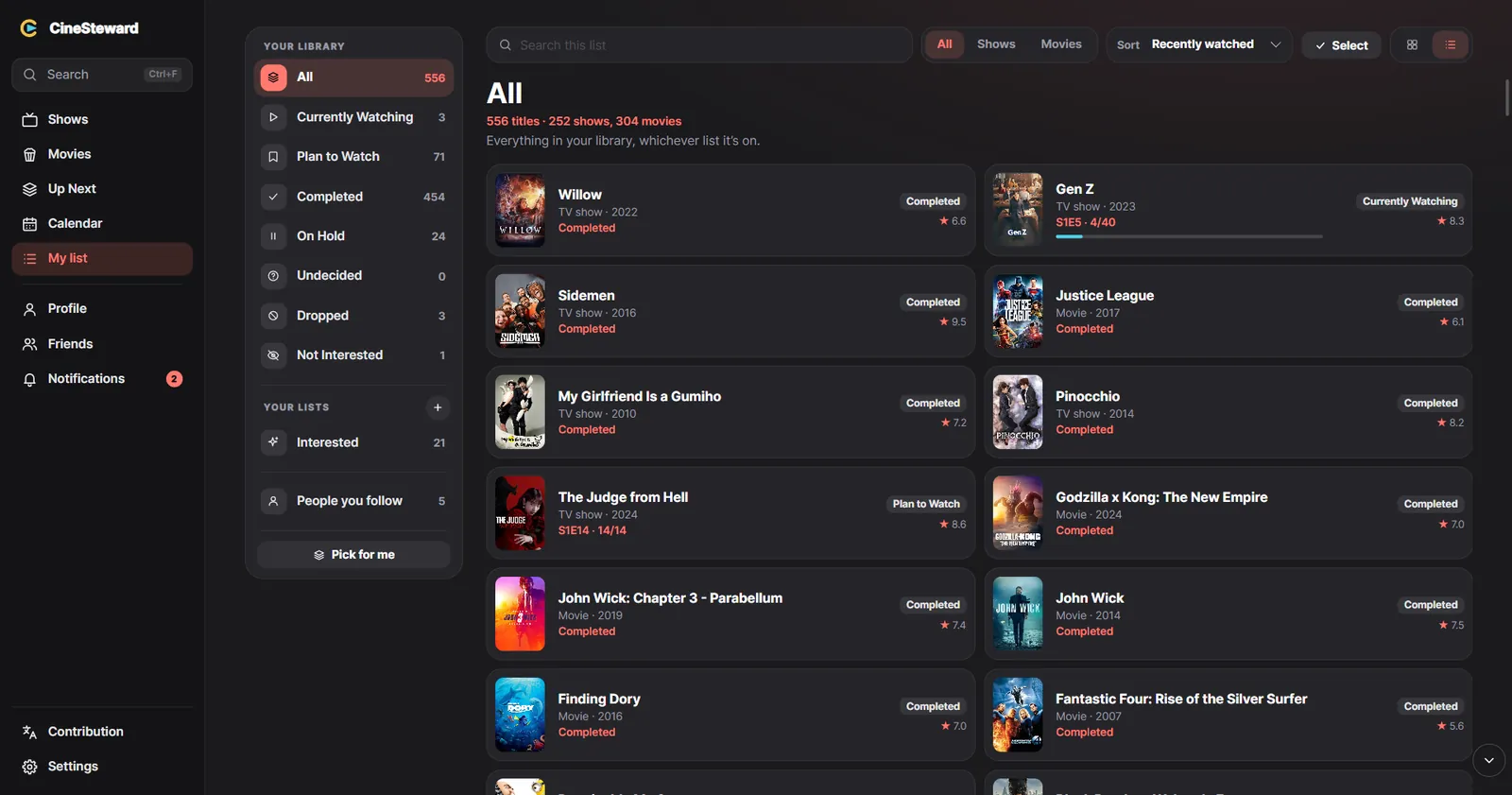
My list
Your whole library, your way
Seven lists, from Plan to Watch to Completed, and as many of your own as you like. Search, sort, drag titles
where they belong, and let CineSteward pick something for tonight.
Posters or rows, sorted the way you like, kept that way
Share a list with friends, with a line about it
Bring your history over from another app in a few clicks
And there's more
Everything a film and series fan needs
Friends
See what friends watch and think, react, recommend a title, watch a show together and keep a list you both vote on.
Stats and your year
Charts of what you watch, badges, a diary of every day, and a year in review you can share.
Bring your history
Import from Letterboxd, IMDb, Trakt, TV Time, Simkl, Netflix or a spreadsheet; export for Letterboxd or a spreadsheet.
Works with your apps
Plex and Jellyfin, your TMDB account, and your status in Discord, if you want it.
On every computer
Keep your library the same on all your computers, if you switch it on. Windows, Mac, Linux and the Steam Deck, with a controller.
Make it yours
Dark and light themes, eleven accent colours or one of your own, text from 80 to 200%, and calmer motion.
In your language
English, as in the UK, US, Canada, Australia, Ireland or New Zealand, and Dutch. Help put it into yours.
Notifications that matter
New episodes and seasons, what comes to your streaming services, and friends' news, with quiet hours when you want them.
Private by design
Your watching is your business
CineSteward has no ads, no tracking and no analytics, and never sells anything about you. Your library lives on
your own device; only what you choose to share leaves it.
 CineSteward